Choose a device
Configure separate alerts for your paired iPhone and Apple Watch.
For iPhone and Apple Watch
See both your iPhone and Apple Watch battery levels in one complication, check your last known Watch battery on iPhone, and choose the battery alerts that matter to you.

Free to download. Optional annual and lifetime access are available.
Battery status across your devices
Juice Watch keeps useful iPhone and Apple Watch battery information close without turning it into a complicated dashboard.
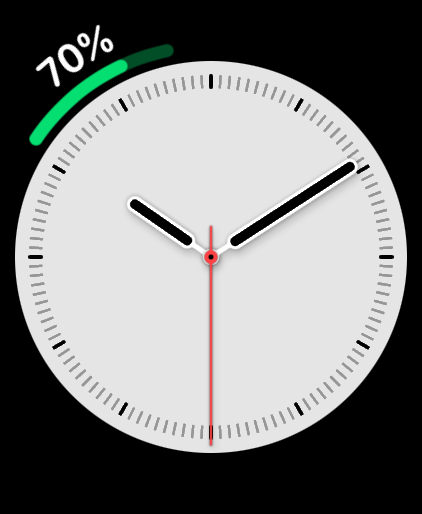
One complication, both batteries
Apple's built-in Battery complication shows the Apple Watch battery. On supported styles, Juice Watch can show iPhone and Apple Watch battery levels together in one complication.
Read the full answer to how to see your iPhone battery on your Apple Watch.
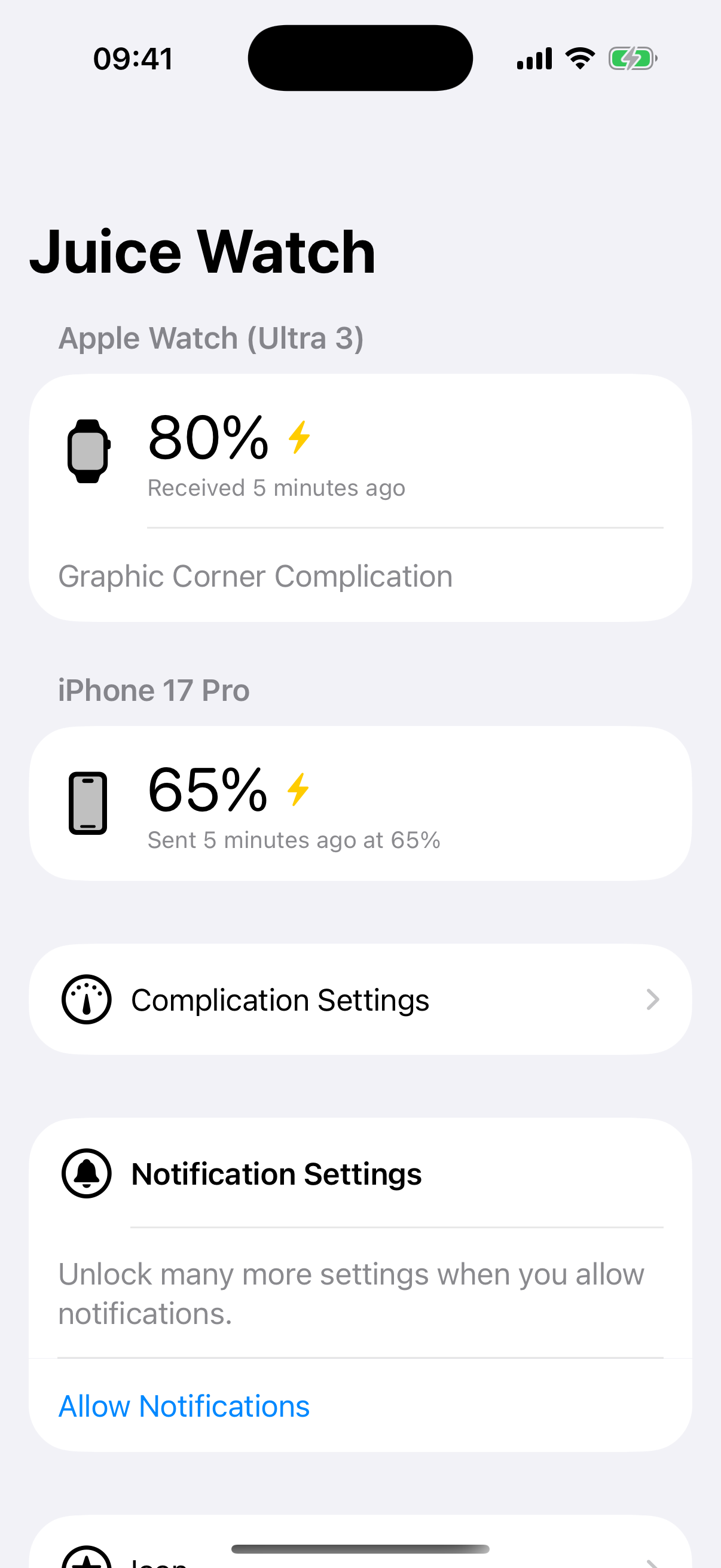
On iPhone
Open Juice Watch on iPhone to see the latest Apple Watch battery information the companion app has delivered. It is handy while your Watch is charging somewhere else.
Read the full answer to how to check your Apple Watch battery on your iPhone.
Notifications you choose
Set the thresholds that fit your routine instead of waiting for a fixed system alert.
Configure separate alerts for your paired iPhone and Apple Watch.
Choose charging thresholds from 50 to 100 percent and set low-battery levels.
Juice Watch alerts the other device when an available update crosses your chosen level.
Designed around Apple background updates
Juice Watch shows when each battery reading was received. iOS and watchOS schedule background updates, so readings are periodic rather than real-time and typically refresh every 5 to 60 minutes in 5 percent increments.
Also from Ganotis Holdings
Juice Watch is part of a small portfolio of practical iPhone and Apple Watch apps.
Available on iPhone and Apple Watch
Download Juice Watch from the App Store and choose the complication and notifications that fit your devices.